

Smart home upgrades are changing the way homeowners manage comfort, security, and efficiency—and in 2024, these technologies are more accessible and impactful than ever before. But making the right upgrades takes more than buying the latest gadget. Here’s how to make smart decisions for your home, budget, and peace of mind.
Key Takeaways
- Global smart home adoption is growing, but real ROI depends on matching upgrades to your needs and property.
- Bursting through the hype, the best results come from careful planning—watch for compatibility and ongoing costs.
- Security and privacy require just as much attention as convenience and energy savings with every upgrade.
- What Are Smart Home Upgrades—and Why Are They So Popular?
- How to Upgrade Your Home Step by Step
- Advanced Analysis & Common Pitfalls to Avoid
- Conclusion
- FAQ
What Are Smart Home Upgrades—and Why Are They So Popular?
Smart home upgrades are digital or automated additions to your home that boost convenience, security, and energy-efficiency. Examples include smart thermostats, voice-controlled lighting, security cameras, and appliances that interact through apps. In 2024, smart device shipments globally hit 892.3 million units, and the market is valued as high as $154.4 billion, with projections showing steady growth year after year. This momentum is especially strong in the US and Europe—69.91 million US households used smart devices last year, and Europe’s market reached $40.1 billion with nearly 25% household penetration, well on its way to doubling by 2028 (source, source).
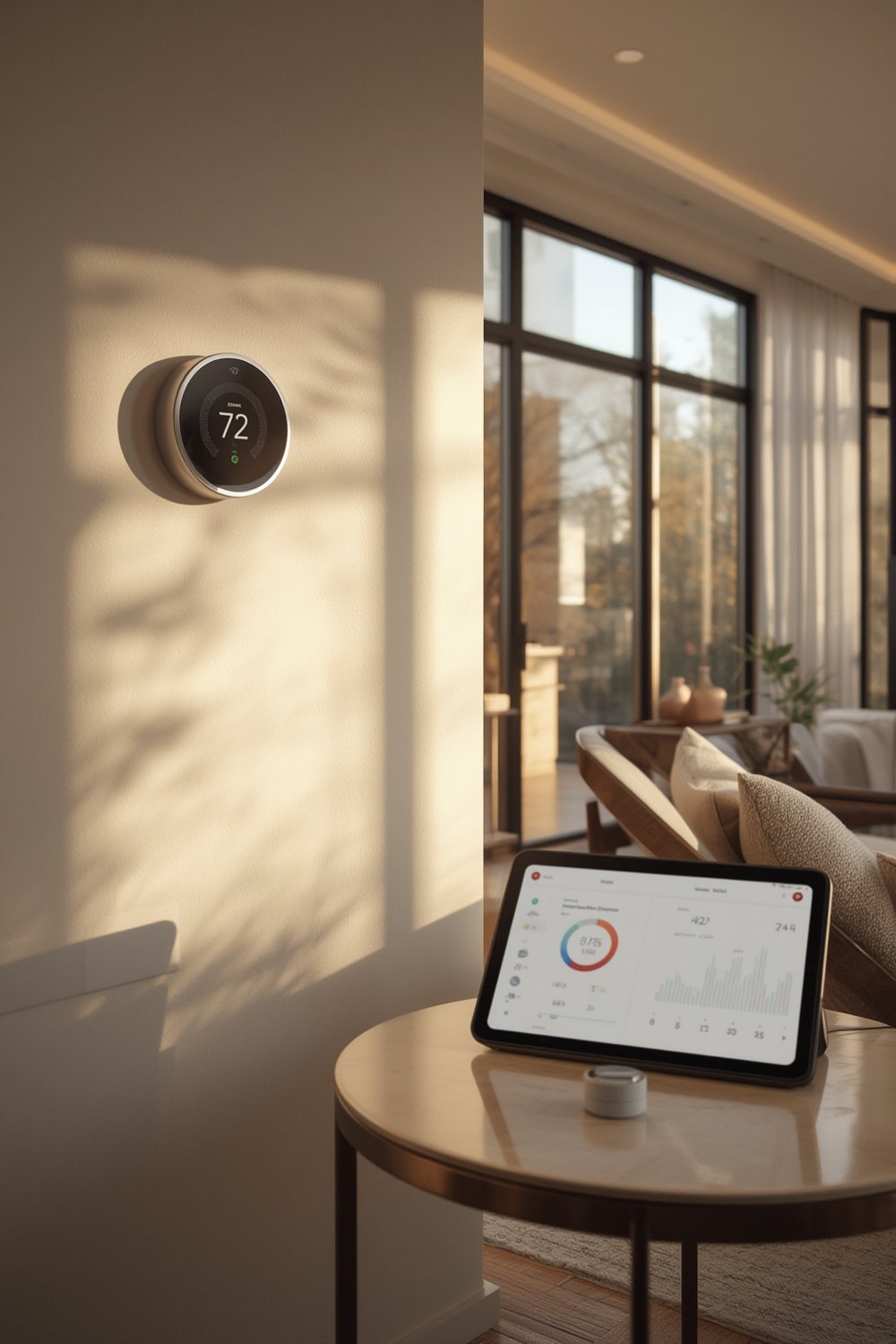
The draw is obvious: smart home upgrades can save time, lower energy costs, and increase a property’s appeal. Coupled with rising interest in home improvement trends (see Home Improvement Trends), these innovations have broad appeal, but not every upgrade is a guaranteed win. Smart home success requires understanding your actual needs, costs, and the technology ecosystem.
How to Upgrade Your Home Step by Step
- Assess Your Current Setup and Goals
Audit your home—do you want better security, energy savings, or convenience? List your must-haves vs. nice-to-haves. - Research Device Compatibility
Choose a core ecosystem (Apple, Google, Alexa) and verify devices will work together. Not all devices “talk”—research is critical before investing. (If you need help with broader renovations, check home remodeling near me.) - Price Out Your Project: Upfront and Ongoing Costs
The average spend in the US is about $479 per year (source), but real costs depend on number and type of devices, and some have monthly fees. - Start Small, Scale Responsibly
Begin with one or two devices—like a smart thermostat or switch—then add devices as you confirm compatibility and utility. - Secure Everything
Change all default passwords, enable two-factor authentication, and update firmware regularly. Consider privacy, especially with cameras and microphones. - Track Performance and Savings
Monitor energy bills and device use for ROI over time. Adjust routines and automation to maximize value.
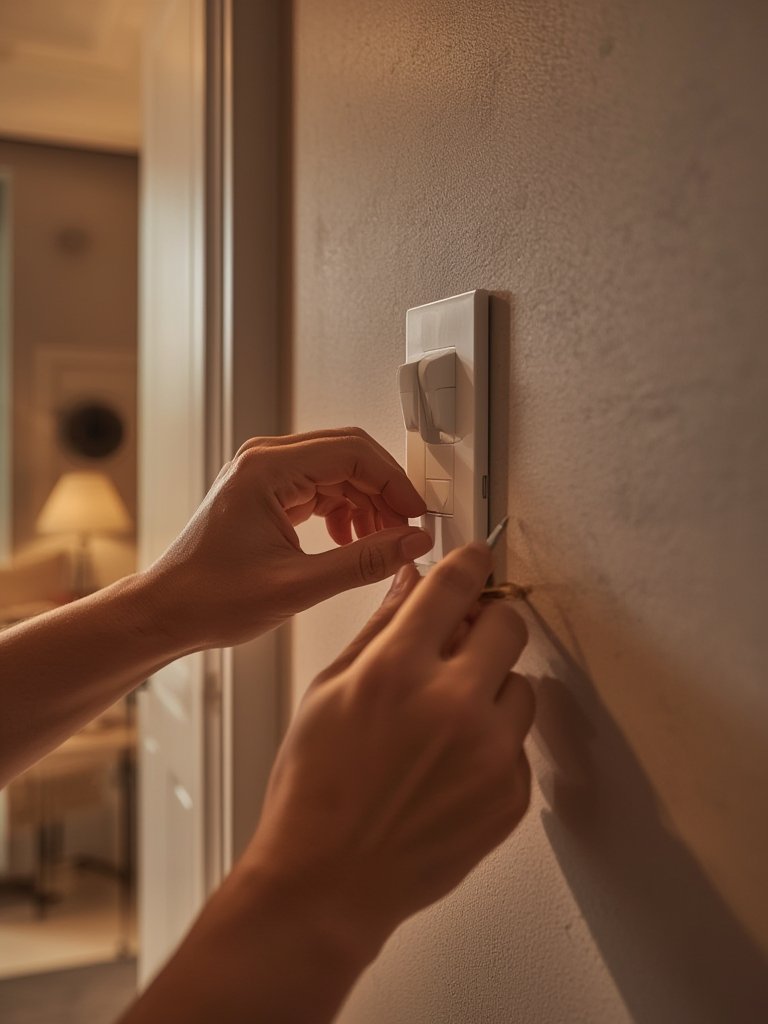
Looking to DIY your setup? Explore DIY home decor strategies to integrate smart devices seamlessly into your style, or equip yourself with the right home improvement tools before starting any rewiring or installations. When in doubt about system complexity or electrical safety, consider a licensed Contractor For Home Improvement to help future-proof your investment.
Advanced Analysis & Common Pitfalls to Avoid
Even the best-planned smart home upgrades can run into issues. Below are the most common pitfalls, with direct comparisons for context when possible:
| Pitfall | Explanation | Workaround |
|---|---|---|
| Incompatibility | Devices from different brands or ecosystems do not always work together—Apple HomeKit, Google Home, or Alexa still lack perfect cross-compatibility in 2024. | Choose products that support open standards (e.g., Matter) and research ecosystem requirements before buying. |
| Hidden Ongoing Costs | Cloud features, app integrations, and automation subscriptions add up over time. Some devices have mandatory monthly fees. | Prioritize devices with local control or no ongoing cost. Audit fees annually. |
| Security Vulnerabilities | Default settings can be insecure. Connected devices are targets for hacking and privacy risks. | Immediately change default passwords, keep firmware updated, disable unused features, and strongly consider using a segmented network for smart devices. |
| Lack of Real ROI Data | Despite anecdotes, there’s no standardized data on energy savings or property value boost. | Track actual usage and costs in your household, and treat most upgrades as comfort and convenience boosters rather than guaranteed investments. |
| Complex Setup & User Frustration | Initial setup can be complex; app bugs, connectivity drops, and unclear instructions are frequent. | Check for products with excellent customer support and strong user communities. Small steps and incremental setup reduce overwhelm. |
These issues can affect your resale strategy; read up on value-add improvements by referencing our detailed guide to Home Improvement Trends.

Conclusion
Smart home upgrades can transform how you live by adding convenience, security, and energy efficiency. But not every upgrade guarantees ROI and there are real limitations in compatibility, costs, and device security. By planning carefully and remaining realistic about the benefits, you’ll maximize your odds of success. Ready to take action? Start with a simple smart device, read our guides on home remodeling near me, and prioritize what delivers the most comfort for you and your family. Explore the world of smart home upgrades today—your modern home journey begins now.
FAQ
Are smart home upgrades worth the investment?
It depends on your goals. Most upgrades improve convenience and comfort first. Actual energy savings and impact on property value can vary, so track your results to see if the outcomes align with your expectations.
How difficult is it to install smart devices yourself?
Many devices are designed for DIY installation, especially smart plugs and bulbs. Wall switches and thermostats may require experience or a professional—always check the requirements before you start.
What are the most important security steps for new smart devices?
Change any default passwords, enable two-factor authentication in the app, update firmware regularly, and consider setting up a separate Wi-Fi network for your devices.
How much does a full smart home system cost in 2024?
The average spend per US household is about $479 per year, but this can vary widely based on how many devices you choose and whether you pay for cloud or automation subscriptions.
Do smart home upgrades increase property value?
There’s no standardized data confirming a direct increase, but features like smart thermostats and security systems can make listings more attractive to buyers seeking modern amenities.